Dashboard Tour
When you log in you land on the Dashboard. This page shows what is on it and where every other page lives.
In simple words
The left sidebar is your map. Each group in it is for one job: your terminals, your tools, copying others, leading others, help, and your account.The dashboard
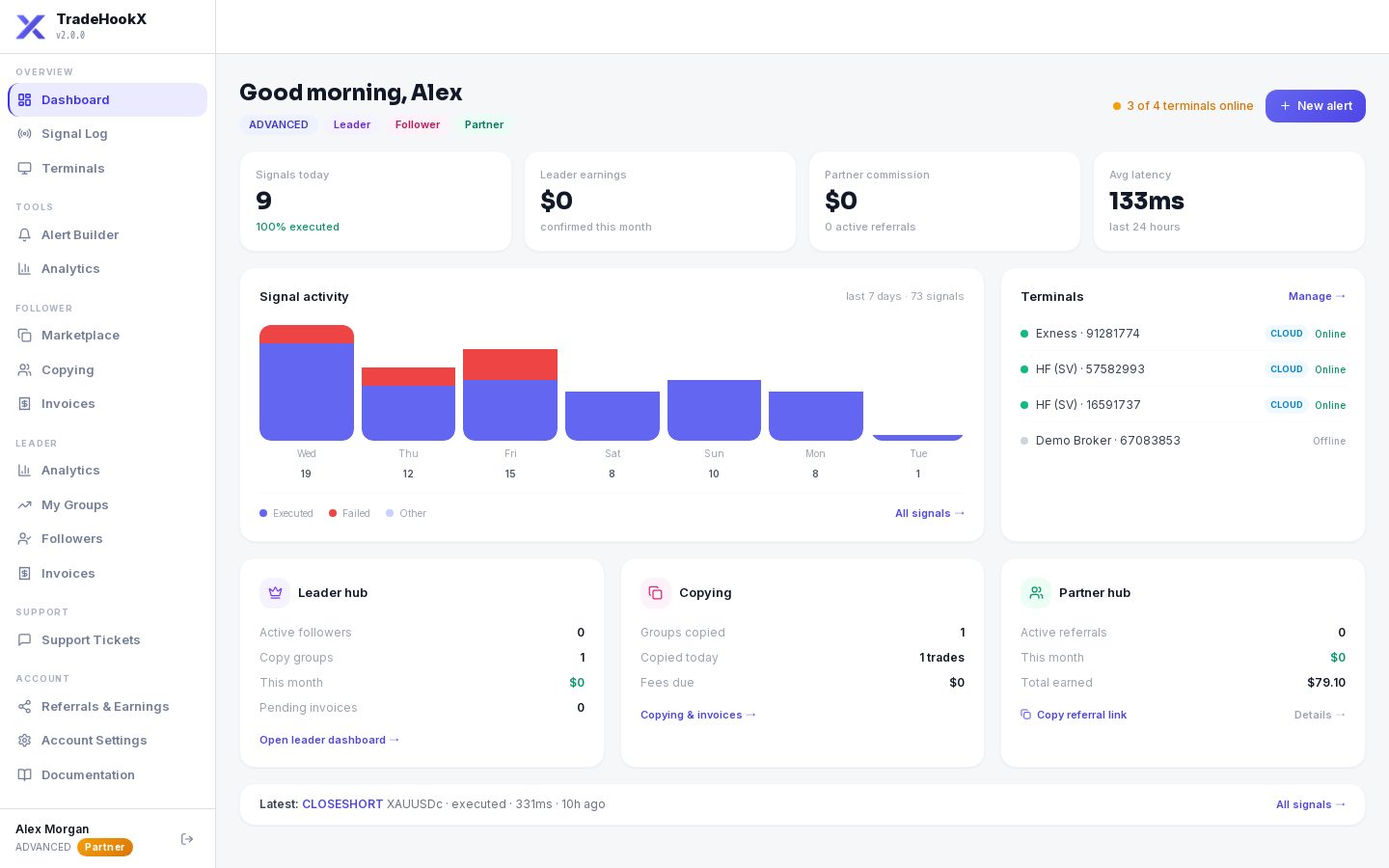
The TradeHookX dashboard
| Part | What it tells you |
|---|---|
| Badges under your name | Your plan (Starter / Advanced / Professional) and the roles you have: Leader (you lead a copy group), Follower (you copy one), Partner. |
| Signals today | How many signals arrived today and how many were executed. |
| Leader earnings | Profit share your followers paid you this month (leaders only). |
| Partner commission | Commission earned this month (partners only). |
| Avg latency | How fast TradeHookX passed signals on in the last 24 hours (server time, without the internet trip). |
| Signal activity | A bar per day for the last 7 days. Blue = executed, red = failed, light = other. Click All signals for the full Signal Log. |
| Terminals | Each terminal with a green dot (online) or grey (offline). Manage opens the Terminals page. |
| Leader hub / Copying / Partner hub | Short summaries with links: followers and pending invoices, groups you copy and fees due, referrals and earnings. |
| Latest | The newest signal with its result and speed. |
| 3 of 4 terminals online / New alert | A quick health check and a shortcut to make a new alert. |
Every page in the sidebar
| Sidebar | Page | What you do there | Read |
|---|---|---|---|
| Overview | Dashboard | The summary above | - |
| Overview | Signal Log | See every signal and what happened to it | Signal Log |
| Overview | Terminals | Add, rename, restart and set up your MT5 accounts | Cloud Terminals, Local Terminal |
| Tools | Alert Builder | Make the alert message for TradingView, test it | Alert Builder |
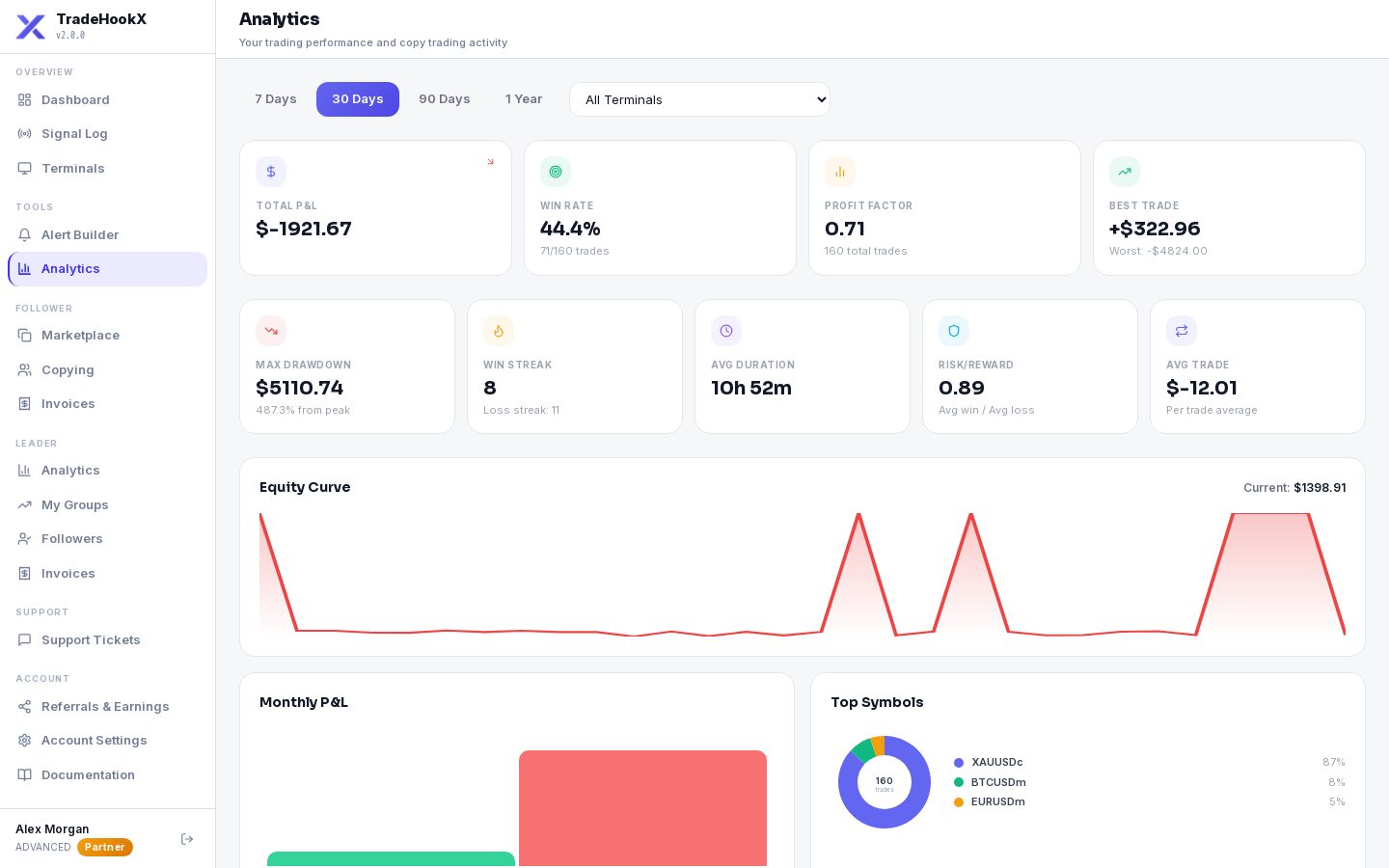
| Tools | Analytics | Your own trading results: equity curve, win rate, profit factor, drawdown, trade log | below |
| Follower | Marketplace | Find copy groups to follow | For Followers |
| Follower | Copying | The groups you copy: settings, pause, stop, results | For Followers |
| Follower | Invoices | Your copy-trading bills and paying them | Invoices & Payouts |
| Leader | Analytics | Followers, copied profit, billing and copy health of your groups | Managing Followers |
| Leader | My Groups | Create and edit your copy groups | For Leaders, Manual Trading Groups |
| Leader | Followers | Everyone copying you, their % and billing | Managing Followers |
| Leader | Invoices | What your followers were billed and paid, your payouts | Invoices & Payouts |
| Leader | Become a leader | Shown instead of the Leader pages when your plan cannot lead - opens the upgrade | For Leaders |
| Support | Support Tickets | Ask our team for help | Troubleshooting |
| Account | Referrals & Earnings | Your referral link, wallet credit, partner program | Referrals & Partners |
| Account | Account Settings | Profile, notifications, billing, TradingView, payouts | Settings, Billing |
| Account | Documentation | These pages | - |
Why do I not see the Follower or Leader pages?
The sidebar only shows what your plan can use. Following needs Advanced or Professional; leading needs Professional. On a lower plan you see Become a leader / an upgrade prompt instead.Your Analytics page
Tools → Analytics shows how YOUR trading went - on one terminal or all of them, for the period you choose:
- •Equity curve - how your account grew or shrank over time
- •Win rate, profit factor (money won ÷ money lost), best trade, max drawdown (the biggest fall from a high), win streak, average trade time, risk/reward
- •Monthly and daily results, and how much profit share you paid (as a follower) or received (as a leader)
- •Trade Logs - every closed trade, searchable by ticket or symbol, with Export CSV
- •Sync Trade History - import trades you made before you joined TradeHookX (choose the terminal first)